
The Sidecar is the per-character config panel. It slides out from the right of the Dashboard when you click a character row, and holds the roles, professions, notes, and Triage overrides that apply only to that alt.
Click a row to open, click again to close. /em config opens it for the current character. Changes save instantly.
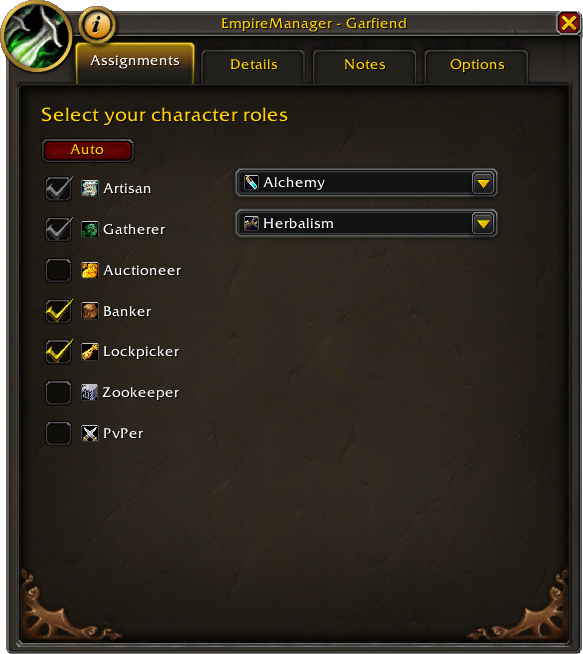
Tab 1 - Assignments#
Tick the roles that apply. Artisan and Gatherer also have a profession multi-select dropdown next to the checkbox.
See Roles & Assignments for what each role does and how the Auto button fills in Artisan / Gatherer from the game.
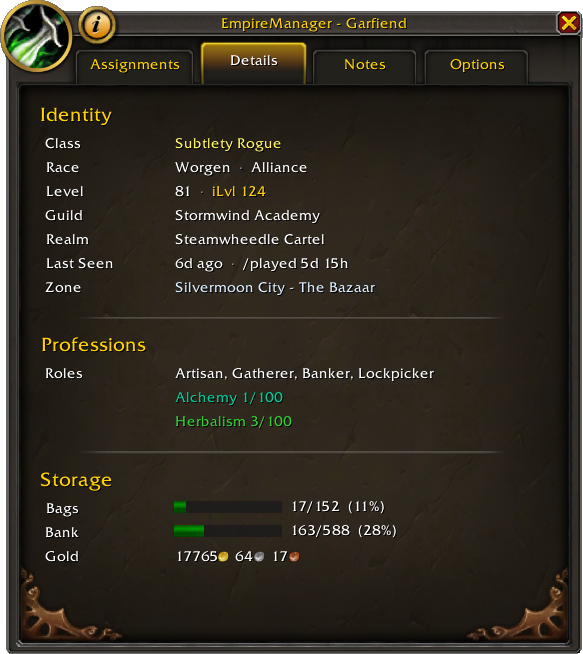
Tab 2 - Details#
Read-only character info: identity (name, realm, class, race, guild), gold, item level, equipped spec, professions with per-expansion skill levels, and bag/bank capacity.
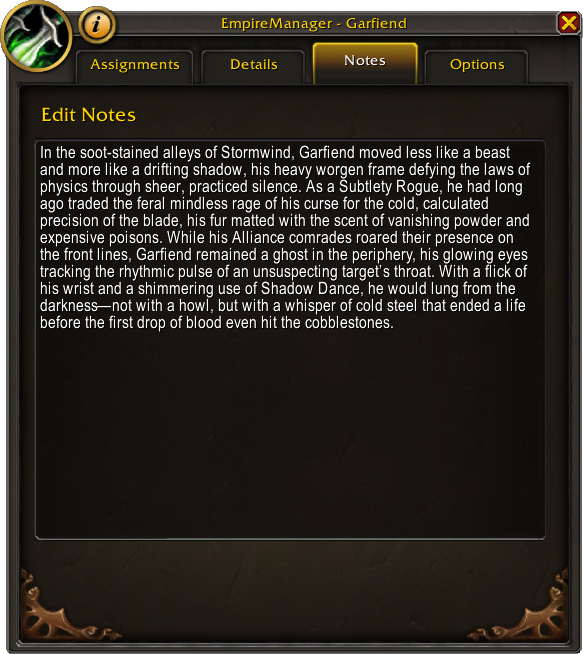
Tab 3 - Notes#
One large text area for free-form notes about this character. Shown in the tooltip in the Dashboard. Use it for parking notes, banker assignments, “don’t touch this”, reminders to yourself - whatever helps you remember what each alt is for.
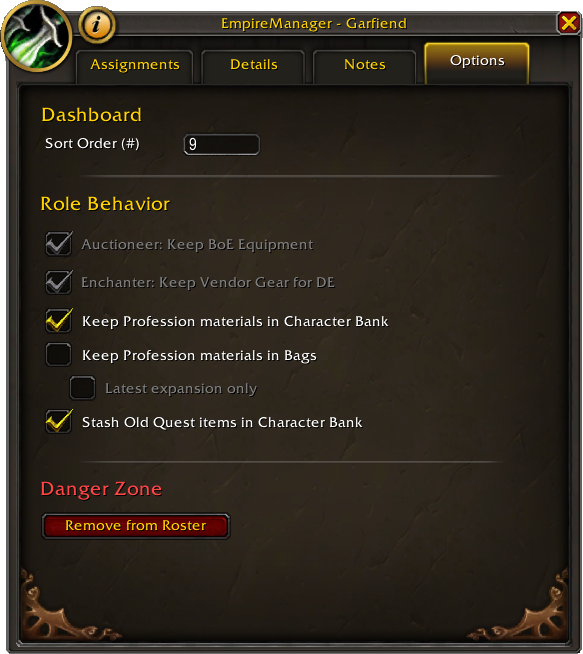
Tab 4 - Options#
Per-character overrides that only apply to this character. Organized in three sections.
Dashboard#
Custom sort order - integer 1-99. Displayed in the # column of the Characters grid. Lower numbers sort first. Leave empty or 0 to sort that character last. Validated on input.
Role Behavior#
Each setting appears only when relevant to the character’s current role assignments.
| Option | Requires | Default | Effect |
|---|---|---|---|
| Auctioneer: Keep BoE Equipment | Auctioneer role | On | Unbound BoE gear stays in bags instead of routing to storage. |
| Enchanter: Keep Vendor Gear for DE | Artisan + Enchanting | On | Soulbound vendor-bound gear is kept for disenchanting. |
| Keep Profession Mats in Character Bank | Artisan or Gatherer with a profession | Off | Bank Triage (Reorganize / Take Out) won’t move items matching this character’s professions out of their personal bank. |
| Keep Profession Mats in Bags | Artisan or Gatherer with a profession | Off | Bag Triage won’t route items matching this character’s professions out of bags to storage. |
| Latest expansion only | Keep Profession Mats in Bags enabled | Off | Narrows the Bags toggle so only current-expansion mats are kept; older expansion mats route normally. |
| Stash Old Quest Items | (always available) | Off | Quest items, keys, and unbound legacy items from previous expansions get stashed to this character’s bank instead of staying in bags. |
Danger Zone#
Remove from Roster - removes this character from the registry. A confirmation tooltip on the button spells out what gets deleted.
The character is removed from the registry and added to the Character Blacklist so it won’t reappear on the next import. Open /em charb and remove the entry if you want them back.